
eBay Store Design Tips to Boost Sales in 2025
eBay store design tips are key to boosting sales in 2025. Moreover, data shows that professionally designed stores convert up to 23 percent higher than basic listings. Therefore, design directly impacts your performance.
Your eBay store is your digital storefront. In fact, buyers decide within seconds whether to stay or move on. As a result, your layout, visuals, and branding must instantly create trust. Additionally, a clean layout, fast load time, and mobile-friendly structure improve the shopping experience. Furthermore, these elements help your store rank better in eBay search results.
To begin, review eBay’s official Store Design Guide for layout best practices. Then, test your speed using Google PageSpeed Insights. Even small improvements like better navigation or compressed product images can increase engagement. Consequently, these changes build credibility and help you turn visitors into loyal buyers.
Why eBay Store Design Directly Impacts Sales
eBay store design tips matter because eBay’s algorithm now rewards stores with stronger engagement. Moreover, it favors lower bounce rates and higher conversions. As a result, a well-organized eBay store design helps your listings appear higher in search results. Therefore, your products gain more visibility and increase sales chances.
Buyers form opinions in seconds. When a store looks cluttered or inconsistent, it loses trust. This happens even if the prices are competitive. However, clear visuals, smooth navigation, and consistent branding build credibility. Additionally, these elements make visitors feel comfortable browsing and buying. A professional eBay store layout not only improves appearance but also strengthens trust. Furthermore, it boosts conversions and encourages customers to return.
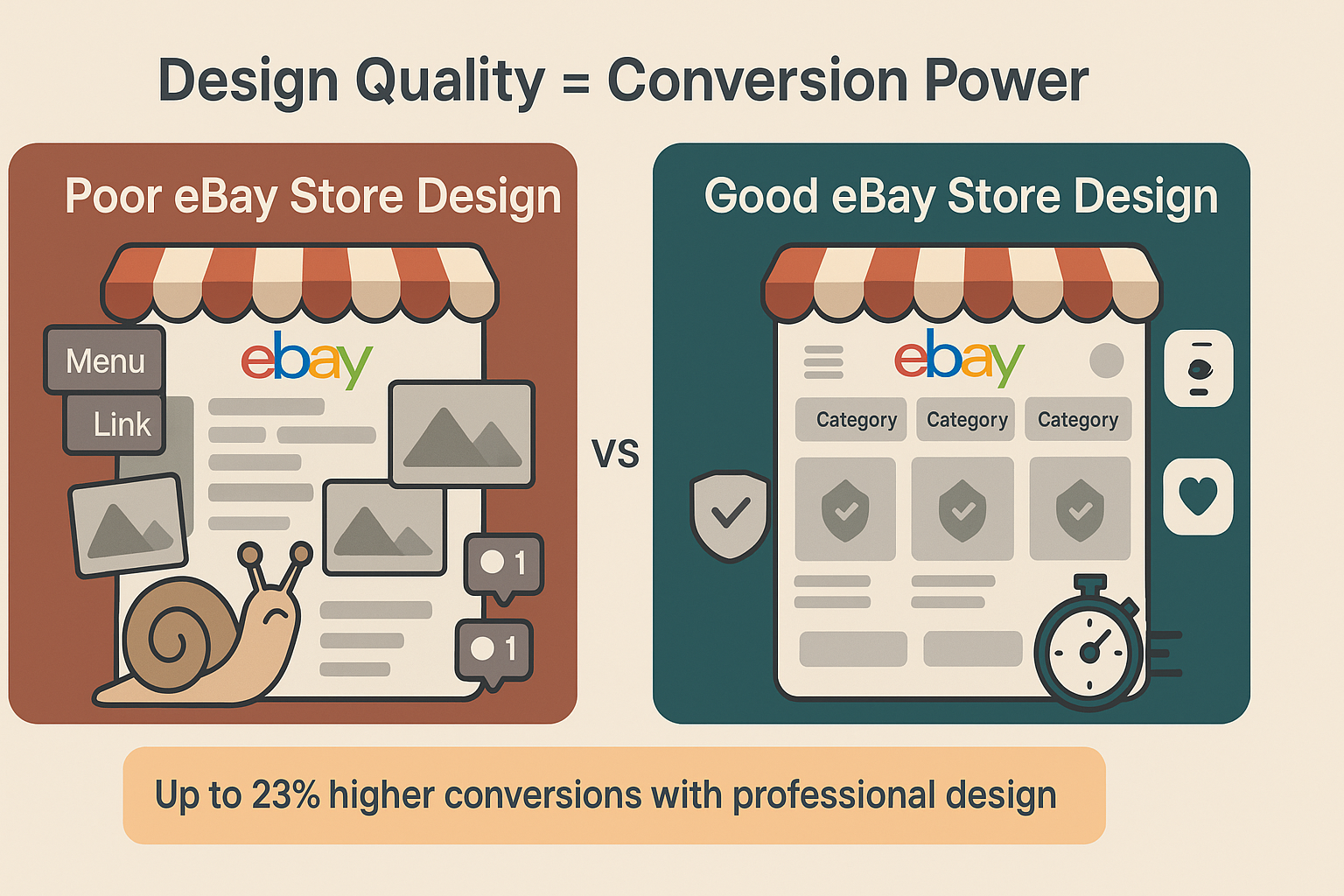
Impact of Design Quality on Store Performance
| Design Element | Poor Implementation | Good Implementation | Performance Impact |
|---|---|---|---|
| Page Load Speed | 5+ seconds | Under 2 seconds | 40% lower bounce rate |
| Mobile Optimization | Desktop only design | Responsive layout | 65% more mobile conversions |
| Product Photography | Single low-res image | Multiple high-quality angles | 30% increase in sales |
| Navigation Structure | 10+ main categories | 5-7 clear categories | 50% better engagement |
| Branding Consistency | Mixed colors/fonts | Unified visual identity | 25% higher trust scores |
Strategic eBay Store Design Layout Fundamentals
Your layout determines how easily customers find products and complete purchases. Therefore, strategic planning is essential for your eBay store design.
Essential Layout Elements for Your eBay Store Design:
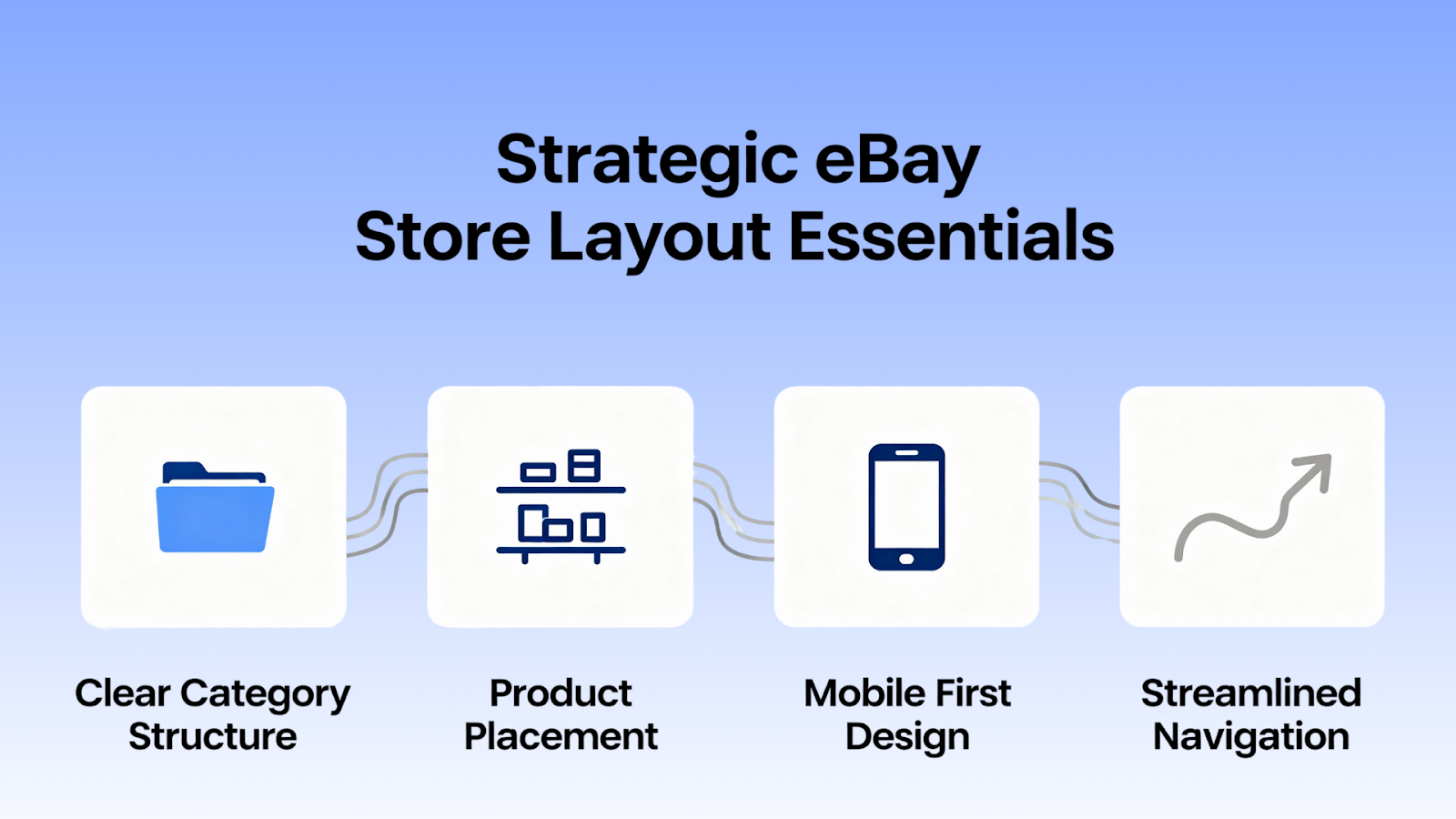
Clear Category Structure: Use straightforward category names. For example, “Engine Components” works better than “Power Stuff.” Remember, confused visitors leave immediately.
Strategic Product Placement: Put best sellers and high-margin items at the top. As a result, they get maximum attention and drive more sales.
Mobile First Design: Over 60 percent of eBay traffic is mobile. Therefore, test everything on smartphones. Most visitors will see the mobile version, so optimization is critical.
Streamlined Navigation: Keep main categories to seven or fewer. Remember, every extra click between landing and purchase increases abandonment rates.
Visual Hierarchy in eBay Store Design
A strong visual hierarchy guides the eye naturally. First, use size, color, and contrast to draw attention to your logo and value message. Then, highlight promotions with subtle accent colors. The goal is to lead customers through your store effortlessly. Meanwhile, keep their experience enjoyable and authentic.
If you want to refine your eBay store layout, visit the official eBay Store Design Guide for structure recommendations. Additionally, test your visuals on different screens using Google PageSpeed Insights. These adjustments can significantly improve engagement and sales over time.
Ready to take your online presence to the next level? Our team at AMZ Art Solutions creates high-converting e-commerce designs. As a result, we turn visitors into loyal customers. Explore our services and see how we can help you build an eBay store that truly sells.
Branding That Builds Recognition in eBay Store Design
Strong branding builds recognition. Moreover, it signals professionalism before shoppers even read a product description. Therefore, consistent branding is crucial for your eBay store design.
Core Branding Elements for eBay Store Design:
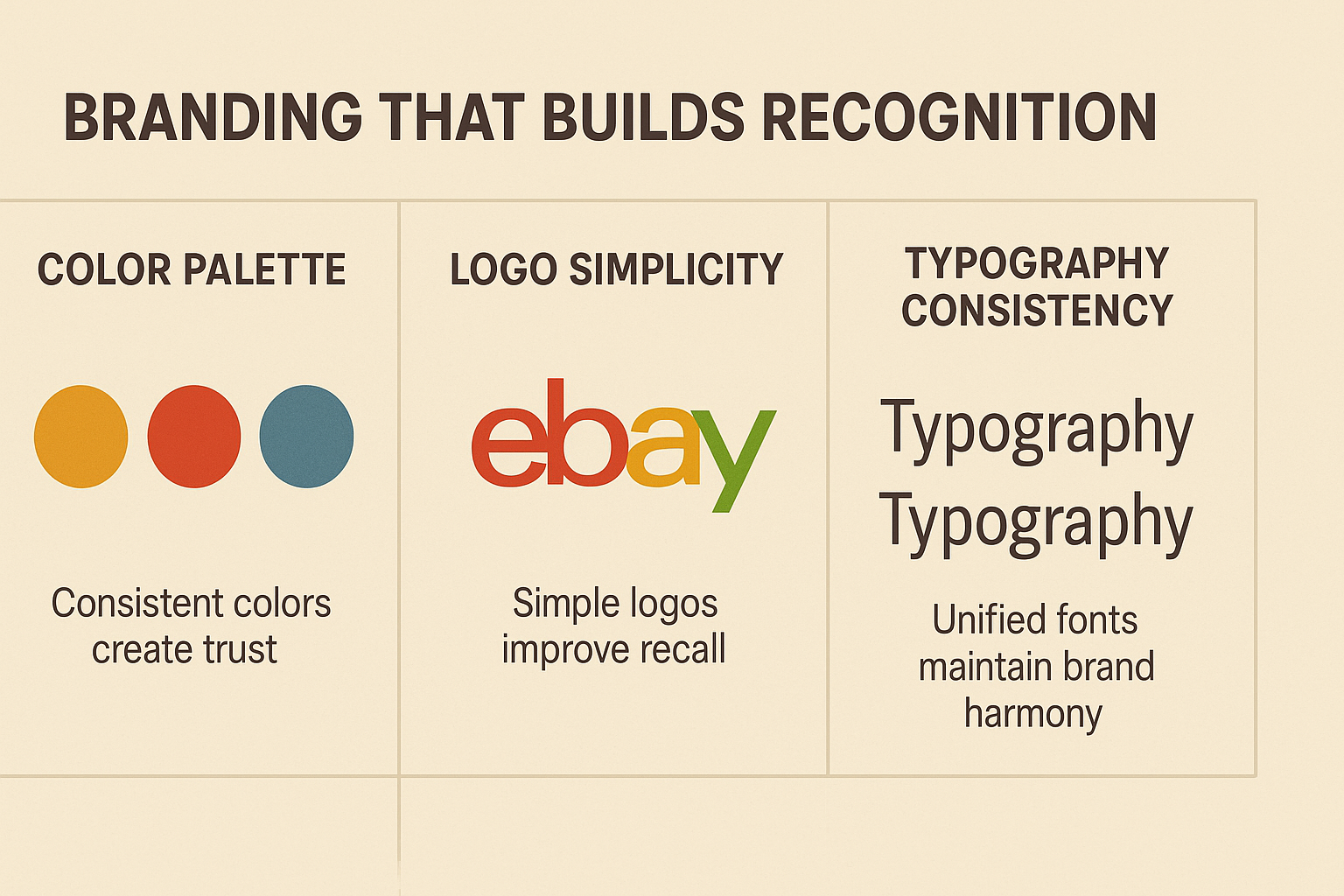
Color Palette: Stick to three or four colors. Then, use them consistently across your logo, banners, graphics, and product images. As a result, consistency creates trust and helps customers instantly recognize your brand.
Logo Design: Keep your logo clean and easy to read. This is especially important on mobile screens. Additionally, make sure its style matches your niche. Therefore, it feels natural within your product category.
Typography: Limit yourself to one or two fonts throughout your store. However, use different weights or sizes of the same font to create contrast. Meanwhile, keep a cohesive look across your eBay store design.
Optimal Color Palette Strategy for Different Product Categories
| Product Category | Recommended Primary Colors | Secondary Accent | Psychology Impact |
|---|---|---|---|
| Electronics/Tech | Blue, Gray, Black | Orange, Green | Trust, Innovation, Precision |
| Fashion/Apparel | Black, White, Pastels | Gold, Red | Sophistication, Elegance |
| Home Decor | Earth Tones, Neutrals | Teal, Coral | Comfort, Warmth |
| Automotive | Red, Black, Silver | Yellow, Blue | Power, Performance |
| Health/Beauty | White, Pink, Green | Purple, Gold | Purity, Wellness |
| Sports/Outdoor | Green, Blue, Orange | Red, Yellow | Energy, Adventure |
Voice and Personality
Define your store’s personality. Are you aiming for an expert tone? Perhaps a friendly neighborhood shop vibe? Or maybe a discount-driven feel? Once you decide, carry that voice through every description, banner, and message. As a result, you keep your brand identity consistent and memorable.
Product Presentation That Converts in Your eBay Store Design
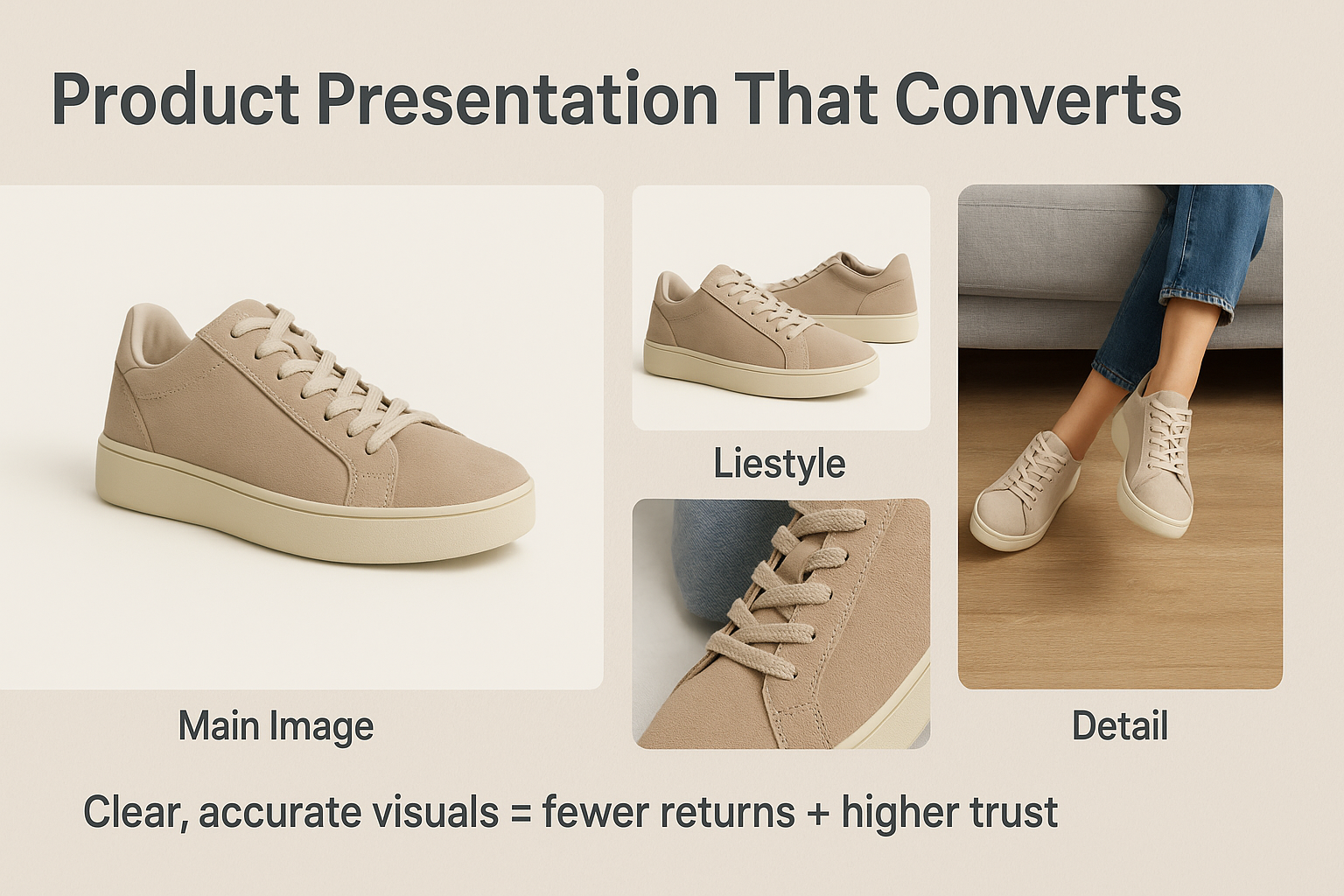 High-quality product photography is one of the most powerful ways to boost conversions. Additionally, shoppers rely on visuals to decide whether to buy. Therefore, clear images with accurate colors and sharp details are essential for effective eBay store design.
Photography Requirements for eBay Store Design:
Multiple Angles: Show every side of the product. As a result, buyers can understand what they are getting without second-guessing.
Scale References: For size-dependent products like clothing, furniture, or tools, include a familiar object or model. Therefore, you show proportion clearly.
Lifestyle Images: Display your products in real-life scenarios. For example, show kitchen gadgets preparing food or hiking gear on the trail. This helps buyers imagine using the product themselves.
Detail Shots: Zoom in on textures, materials, or unique features. Remember, small details often make the sale, especially for quality-focused shoppers.
Adding contextual and lifestyle photos builds confidence. Moreover, it reduces returns and makes your eBay store look professional. Consequently, you convert browsers into buyers more effectively.
Product Image Optimization Checklist
| Image Type | Minimum Quantity | Resolution | File Size | Purpose |
|---|---|---|---|---|
| Main Product Photo | 1 | 1600x1600px | Under 500KB | First impression, thumbnail |
| Angle Views | 3-5 | 1200x1200px | Under 400KB | Show all sides, details |
| Lifestyle/Context | 1-2 | 1200x1200px | Under 400KB | Demonstrate use case |
| Detail/Closeup | 2-3 | 1200x1200px | Under 400KB | Material, texture, features |
| Scale Reference | 1 | 1200x1200px | Under 400KB | Size comparison |
Description Optimization for eBay Store Design
Use scannable bullet points for key product features. As a result, shoppers can absorb details quickly. Additionally, always start with the most important information. Remember, most visitors skim rather than read every line.
Address common concerns upfront to build trust. Moreover, this reduces hesitation. For instance, mention warranty coverage for electronics. Also, give clear sizing charts for clothing. Furthermore, explain item condition for collectibles. Anticipate questions before buyers ask them. Therefore, your listings feel transparent and reliable. Consequently, you encourage faster purchase decisions and fewer returns.
Need help crafting an eBay store design that converts? Our experienced team at AMZ Art Solutions can review your current setup. Additionally, we provide actionable recommendations tailored to your products and market. Contact us today to schedule a consultation.
Technical Performance Elements in eBay Store Design
Page Speed: Compress all images before uploading. Even a few seconds of delay can cost you sales. Remember, shoppers lose patience fast. A quick-loading store keeps visitors engaged. As a result, it improves overall conversion rates.
Search Functionality: Place your search bar where it’s easy to spot. Many buyers prefer typing in what they need. Therefore, make searching effortless and accurate in your eBay store design.
Cross-Selling: Add small promotional boxes for related or complementary items. For example, suggest camera lenses with cameras or phone cases with smartphones. Smart cross-selling not only boosts average order value but also makes shopping feel smoother. Additionally, it creates a more personalized experience.
Technical Performance Benchmarks
| Metric | Poor Performance | Acceptable | Excellent | Impact on Sales |
|---|---|---|---|---|
| Page Load Time | Over 5 seconds | 2-5 seconds | Under 2 seconds | Critical |
| Mobile Responsiveness | Broken layout | Functional | Optimized | Critical |
| Image Load Speed | Over 3 seconds | 1-3 seconds | Under 1 second | High |
| Navigation Clicks to Product | 4+ clicks | 2-3 clicks | 1-2 clicks | High |
| Search Result Accuracy | Under 60% | 60-80% | Over 80% | Medium |
| Category Page Load Items | Under 20 | 20-40 | 40+ | Medium |
Checkout Optimization for eBay Store Design
Show shipping costs upfront. As a result, buyers know exactly what they will pay before checkout. Remember, hidden or unexpected fees are one of the main reasons carts get abandoned.
Offer multiple payment options. Additionally, include visible security badges to build trust. When shoppers feel their payment information is safe, they are far more likely to complete the purchase. Therefore, trust signals are essential in your eBay store design.
Keep your return policy easy to find and simple to understand. A clear, fair return process gives buyers confidence. Moreover, it reduces hesitation. In fact, it can actually increase overall sales by removing the fear of risk.
Seasonal Updates and Promotions in eBay Store Design
Keep your store fresh by updating banners, featured products, and promotional messages regularly. However, maintain your core layout for consistency. Additionally, plan your promotional calendar and prepare graphics for peak selling seasons like holidays or special events.
Make sales stand out visually using banners, product badges, or dedicated sections. Then, once the promotion ends, remove these elements. As a result, customers continue to notice new offers and do not start ignoring them.
Regular seasonal updates help maintain shopper interest. Moreover, they improve engagement and boost sales throughout the year. For design inspiration, you can explore eBay seasonal marketing tips.
Annual eBay Store Design Update Schedule
| Month | Design Update Focus | Expected Impact | Priority Level |
|---|---|---|---|
| January | Post-holiday refresh, New Year banners | Medium | Medium |
| February | Valentine’s Day promotions (if relevant) | Low-Medium | Low |
| March | Spring collection, color palette refresh | Medium | Medium |
| April | Easter/Spring peak season graphics | Medium | Medium |
| May | Summer preparation, outdoor themes | Medium | Medium |
| June | Mid-year review, A/B testing | High | High |
| July | Summer sale banners | Medium | Medium |
| August | Back-to-school (category dependent) | High | High |
| September | Fall collection launch | Medium | Medium |
| October | Halloween/Fall themes | Medium | Low |
| November | Black Friday/Cyber Monday prep | Critical | Critical |
| December | Holiday shopping optimization | Critical | Critical |
Performance Testing and Data Analysis for eBay Store Design
Use eBay’s analytics to spot weak points in your store. For example, if your homepage gets high traffic but category clicks are low, your category layout may need improvement. Additionally, high product views with few sales often point to issues on the product page itself.
Test changes one at a time. As a result, making a single adjustment per period helps you measure its real impact on performance. Furthermore, pay special attention to products with high views but low conversions. These items may need better photography, more detailed descriptions, or adjusted pricing. Therefore, you encourage buyers to complete their purchase.
Using analytics effectively helps improve user experience. Moreover, it increases conversions and makes your eBay store design more competitive. For guidance, check eBay Seller Hub analytics.
Key Performance Metrics to Track Weekly
| Metric | What It Measures | Good Target | Action If Below Target |
|---|---|---|---|
| Store Traffic | Total visitors | 10% monthly growth | Improve SEO, external marketing |
| Bounce Rate | Single-page exists | Under 40% | Improve homepage, load speed |
| Category Click-Through | Navigation effectiveness | Over 60% | Redesign category presentation |
| Product View Rate | Category to product movement | Over 45% | Better product thumbnails, titles |
| Conversion Rate | Views to purchases | 2-5% | Improve product pages, pricing |
| Average Order Value | Revenue per transaction | Industry dependent | Add cross-sells, bundles |
| Return Visitor Rate | Customer retention | Over 30% | Improve experience, follow-up |
Customer Feedback Implementation in eBay Store Design
Review customer messages for common questions. Remember, recurring questions indicate information that should be more prominent in your eBay store design. Additionally, ask buyers about their experience. Brief follow-ups reveal friction points you wouldn’t notice yourself.
Looking to take your e-commerce business to the next level? We at AMZ Art Solutions offer comprehensive store design and optimization services. Moreover, these are specifically tailored for online marketplaces. Let us help you create a shopping experience that drives consistent growth. Therefore, check out our specialized services today.
Mobile Optimization Requirements for eBay Store Design
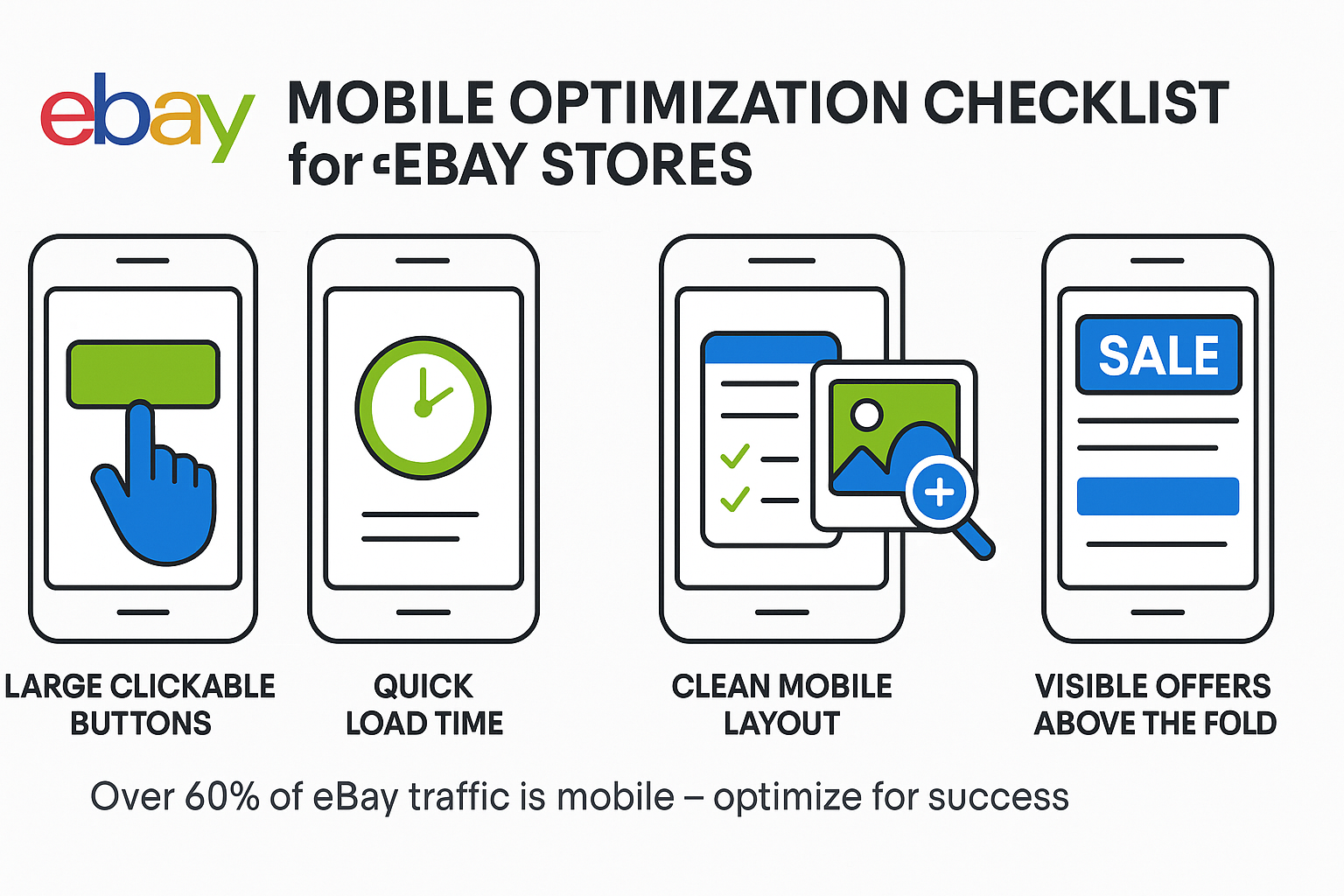
Mobile shoppers are the majority. Therefore, your most important content must be visible without scrolling. This includes your store name, navigation, and compelling offers. A mobile-friendly eBay store design ensures better engagement, higher conversions, and improved ranking in eBay search results.
Mobile Essentials for eBay Store Design:
- Buttons at least 44×44 pixels for accurate tapping
- Adequate space between clickable elements
- Quick-loading images optimized for slower connections. Use tools like TinyPNG to compress images without losing quality
- Zoom functionality on product images
- Shorter paragraphs with more white space
- Minimal form fields and typed input
Test on multiple devices. Remember, Android and iOS behave differently. Additionally, various screen sizes reveal unique layout issues. Use BrowserStack or similar tools to preview your store across devices.
This approach ensures your eBay store design is fully optimized for mobile users. This is critical since most traffic now comes from smartphones.
Mobile vs Desktop Performance Comparison
| Element | Desktop Best Practice | Mobile Best Practice | Why It Matters |
|---|---|---|---|
| Image Size | 1600x1600px | 1200x1200px compressed | Load speed on data plans |
| Button Size | 32x32px minimum | 44x44px minimum | Touch accuracy |
| Paragraph Length | 4-6 sentences | 2-3 sentences | Screen scrolling |
| Menu Items Visible | 7-10 categories | 5-7 categories | Screen real estate |
| Font Size | 14-16px | 16-18px | Readability without zoom |
| Form Fields | Standard spacing | Extra padding | Touch input accuracy |
Advanced Competitive Techniques in eBay Store Design
Brand Storytelling: Every design element should reinforce what makes your store special. For example, eco-friendly products need natural aesthetics. Meanwhile, tech products need a modern, innovative design in their eBay store layout.
Custom Category Pages: Design specific layouts for different product types. For instance, use technical specifications for electronics. However, create visual lifestyle presentations for home decor.
Smart Product Groupings: Create collections that cut across categories. For example, “Summer Essentials,” “Gifts Under $50,” or “Best Sellers This Month.” As a result, you improve product discoverability in your eBay store design.
Leveraging Social Proof in Your eBay Store Design
Display review counts, seller ratings, and testimonials prominently. Social proof overcomes buyer hesitation. Moreover, it improves eBay store conversions significantly.
Show awards, media features, or certifications with visual badges. As a result, these communicate credibility and recognition quickly. Learn more about building trust with social proof.
Highlight fast response times and shipping speeds if they are competitive advantages. Remember, shoppers value reliability. Therefore, this boosts both sales and customer loyalty in your eBay store design.
Social Proof Elements That Increase Conversions
| Social Proof Type | Placement Location | Conversion Lift | Implementation Difficulty |
|---|---|---|---|
| Star Ratings | Product thumbnails, headers | 15-20% | Easy |
| Review Count | Next to product titles | 12-18% | Easy |
| Seller Badge | Store header, checkout | 10-15% | Easy |
| Customer Photos | Product pages | 20-25% | Medium |
| Testimonials | Homepage, about page | 8-12% | Medium |
| Sales Counter | Featured products | 10-14% | Medium |
| Trust Seals | Checkout, footer | 15-20% | Easy |
| Response Time | Store header | 8-10% | Easy |
Critical Mistakes to Avoid in eBay Store Design
Cluttered Layouts: Trying to highlight everything highlights nothing. Instead, choose focal points. Then, give them white space to guide the shopper’s attention.
Inconsistent Branding: Random colors or varying logos make customers question your store’s legitimacy. Therefore, maintain a consistent visual identity throughout your eBay store design.
Ignoring White Space: White space improves readability. Additionally, it helps important elements stand out. As a result, the shopping experience becomes more comfortable.
Auto-Play Media: Auto-play videos or audio can cause immediate exits. Instead, use click-to-play media to keep visitors engaged in your eBay store design.
Breaking Platform Guidelines: Working within eBay’s design and listing constraints looks more professional. Moreover, it avoids potential penalties.
Neglecting Accessibility: Ensure sufficient color contrast. Additionally, provide alt text for images and enable keyboard navigation. This improves usability for all shoppers. Furthermore, it enhances overall credibility in your eBay store design.
Common Design Mistakes and Their Cost
| Mistake | Estimated Sales Loss | Fix Difficulty | Fix Time Required |
|---|---|---|---|
| Slow page loading | 25-40% | Medium | 2-4 hours |
| Poor mobile experience | 30-50% | Medium-Hard | 4-8 hours |
| Unclear navigation | 20-35% | Medium | 3-6 hours |
| Low-quality images | 25-40% | Easy-Medium | 1-3 hours per product |
| Missing product details | 15-30% | Easy | 1-2 hours per product |
| Inconsistent branding | 10-20% | Medium | 4-6 hours |
| Hidden shipping costs | 35-50% | Easy | 1 hour |
| Complicated checkout | 20-40% | Hard | 6-10 hours |
Conclusion: Mastering eBay Store Design in 2025
eBay store design in 2025 is a key competitive advantage. Moreover, it directly impacts sales. Successful stores treat design as an ongoing optimization process rather than a one-time setup.
First, focus on the fundamentals: clean navigation, mobile optimization, and consistent branding. Then, enhance product pages with high-quality photography and detailed descriptions. Additionally, use analytics to spot weak points. Furthermore, test improvements systematically in your eBay store design.
The 23 percent conversion advantage of professionally designed stores comes from reducing friction. Moreover, it builds trust through visual consistency. Additionally, it creates a clear path to purchase.
Every element matters in your eBay store design. From your color palette to category structure, each should guide visitors toward becoming customers. Therefore, a strategic, well-executed store design ensures you stand out against thousands of competitors. As a result, you maximize conversions, repeat buyers, and overall growth.
Frequently Asked Questions About eBay Store Design
Q. How often should I update my eBay store design?
Make minor updates quarterly for seasonal opportunities. However, major structural redesigns should happen annually or when expanding into new product categories. Additionally, monitor analytics for declining engagement. This signals the need for updates regardless of schedule.
Q. What’s the most important element for increasing sales in eBay store design?
Product presentation has the most direct impact. This includes high-quality photos from multiple angles, detailed descriptions, clear pricing and shipping, and prominent reviews. Therefore, perfect your product pages first. Then, improve category pages and overall layout.
Q. Do I need professional design skills for an effective eBay store design?
No. eBay provides templates that create functional stores without design expertise. However, understanding visual hierarchy, consistent branding, and mobile optimization matters more than technical skills. Professional design accelerates results. Moreover, it strengthens brand recognition if you’re building a substantial business.
Q. How can I make my eBay store design stand out from competitors?
First, identify what makes you unique. This could be product selection, pricing, service, or niche expertise. Then, reinforce it through every design element. Additionally, handle details competitors ignore: specifications, buying guides, and exceptional photography. Remember, consistency and professionalism automatically put you ahead of casual sellers.
Q. Will improving eBay store design actually increase my sales?
Yes, if improvements address specific friction points identified through analytics and customer feedback. However, design changes should solve real problems. These include confusing navigation, unclear product information, or slow loading. Therefore, measure results after each change to confirm impact on your eBay store design.
